public void onSurfaceChanged(GL10 gl, int width, int height) {
Pj_include.getInstance().setWindowInfo(width, height);
gl.glViewport(0, 0, width, height);
gl.glMatrixMode(GL10.GL_PROJECTION);
gl.glLoadIdentity();
gl.glMatrixMode(GL10.GL_MODELVIEW);
gl.glLoadIdentity();
}
뷰포트 설정과 단위행렬만 설정합니다. onSurfaceChanged 는 화면크기가 바뀌거나 화면이 새로 켜지는 등의 변화가 있어야 호출이 1회 되며, 평상 시 드로잉 할때에는 호출되지 않습니다.
public void onDrawFrame(GL10 gl)
{
m_gl = gl;
synchronized(m_gl)
{
try
{
makeMatrix();
makeGeo();
gl.glViewport(0, 0, Pj_include.getInstance().m_winWidth, Pj_include.getInstance().m_winHeight);
gl.glClear(GL10.GL_COLOR_BUFFER_BIT | GL10.GL_DEPTH_BUFFER_BIT);
//그리기 ...
}
}
매 프레임마다 호출하는 그리기 함수 입니다. 여기서 매트릭스 설정(makematrix), 좌표변환 변수 설정(makeGeo) 를 해준 후, 그림을 그립니다.
private void makeMatrix()
{
//PROJECTION MATRIX
mMat.LoadIdentity();
if (Pj_include.getInstance().getSetting_Projection())
{
mMat.LoadPerspective(Pj_include.getInstance().m_fFovy, (float)Pj_include.getInstance().m_winWidth/Pj_include.getInstance().m_winHeight, Pj_include.getInstance().m_fZnear, Pj_include.getInstance().m_fZfar);
}
else
{
mMat.LoadOrthogonal(-Pj_include.getInstance().m_winWidth*0.5f, Pj_include.getInstance().m_winWidth*0.5f, -Pj_include.getInstance().m_winHeight*0.5f, Pj_include.getInstance().m_winHeight*0.5f, Pj_include.getInstance().m_fZnear_ortho, Pj_include.getInstance().m_fZfar_ortho);
}
mMat.getCurMatrix(Pj_include.getInstance().m_prMat);
//MODELVIEW MATRIX
mMat.LoadIdentity();
if (Pj_include.getInstance().getSetting_Projection())
{
mMat.Translatef(0.0f, 0.0f, -Pj_include.getInstance().m_fZdist);
}
else
{
mMat.Translatef(0.0f, 0.0f, -Pj_include.getInstance().m_fZdist_ortho);
}
mMat.Rotatef(Pj_include.getInstance().m_fAngleX, 1.0f, 0.0f, 0.0f);
mMat.Rotatef(Pj_include.getInstance().m_fAngleY, 0.0f, 1.0f, 0.0f);
mMat.Scalef(Pj_include.getInstance().m_fScale, Pj_include.getInstance().m_fScale, Pj_include.getInstance().m_fScale);
mMat.getCurMatrix(Pj_include.getInstance().m_mvMat);
//MVP MATRIX
mMat.GetMatrixMultiplyWithMatrix(Pj_include.getInstance().m_prMat, Pj_include.getInstance().m_mvMat, Pj_include.getInstance().m_mvpMat);
}
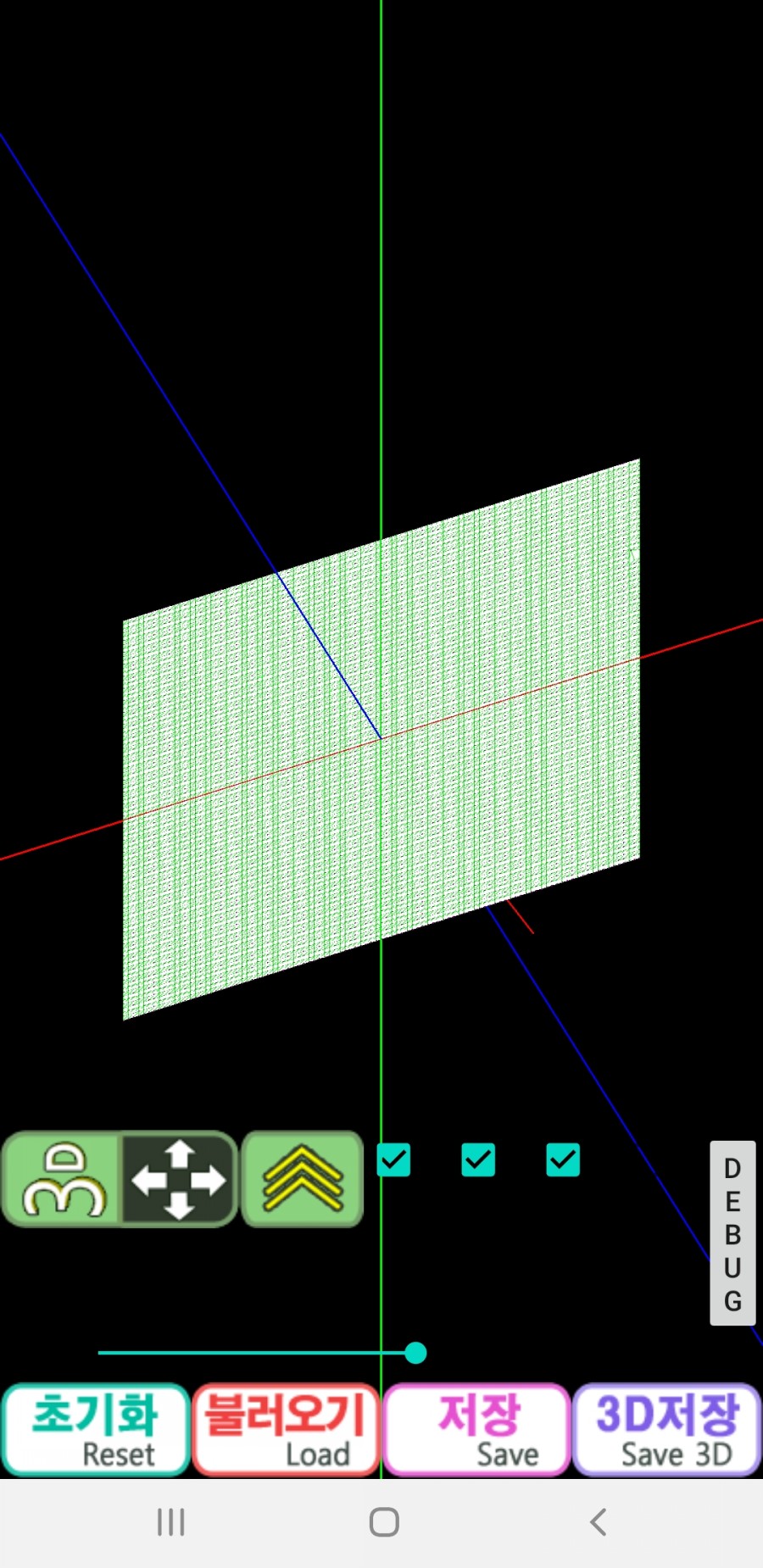
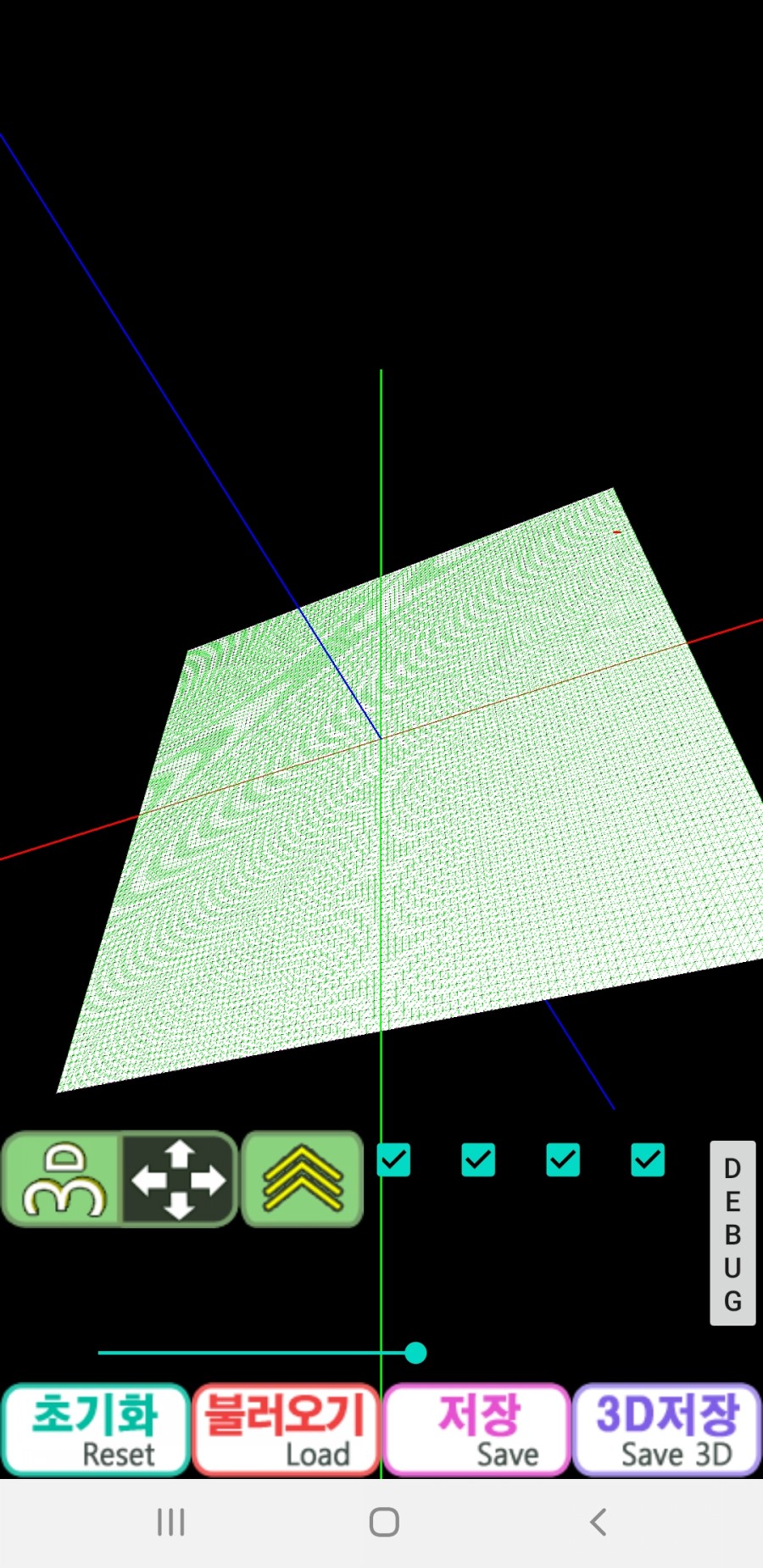
매트릭스 설정 입니다. 직교/원근 투영 설정에 따라, 투영 매트릭스는 해당 설정을 하고, 모델뷰(이동) 매트릭스는 물체의 이동, 회전, 크기 순으로 설정을 합니다. 실제 물체에 적용 되는 순서는 매트릭스 설정 순서의 반대인 크기, 회전, 이동 순으로 계산하면 됩니다. 위 함수를 아래에서 위로 올라가면서 물체에 적용하면 됩니다.
좌표계 상의 실제 계산 결과는 다음 포스팅에 정리해 보겠습니다. 감사합니다.
*글의 원문은 아래 블로그에 게시되어 있습니다.
#안드로이드, #android, #opengl, #그래픽, #라이브러리, #투영, #행렬, #매트릭스, #직교, #원근, #perspective, #orthogonal, #matrix, #피킹, #picking
댓글
댓글 쓰기